

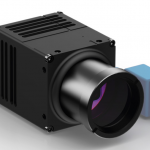

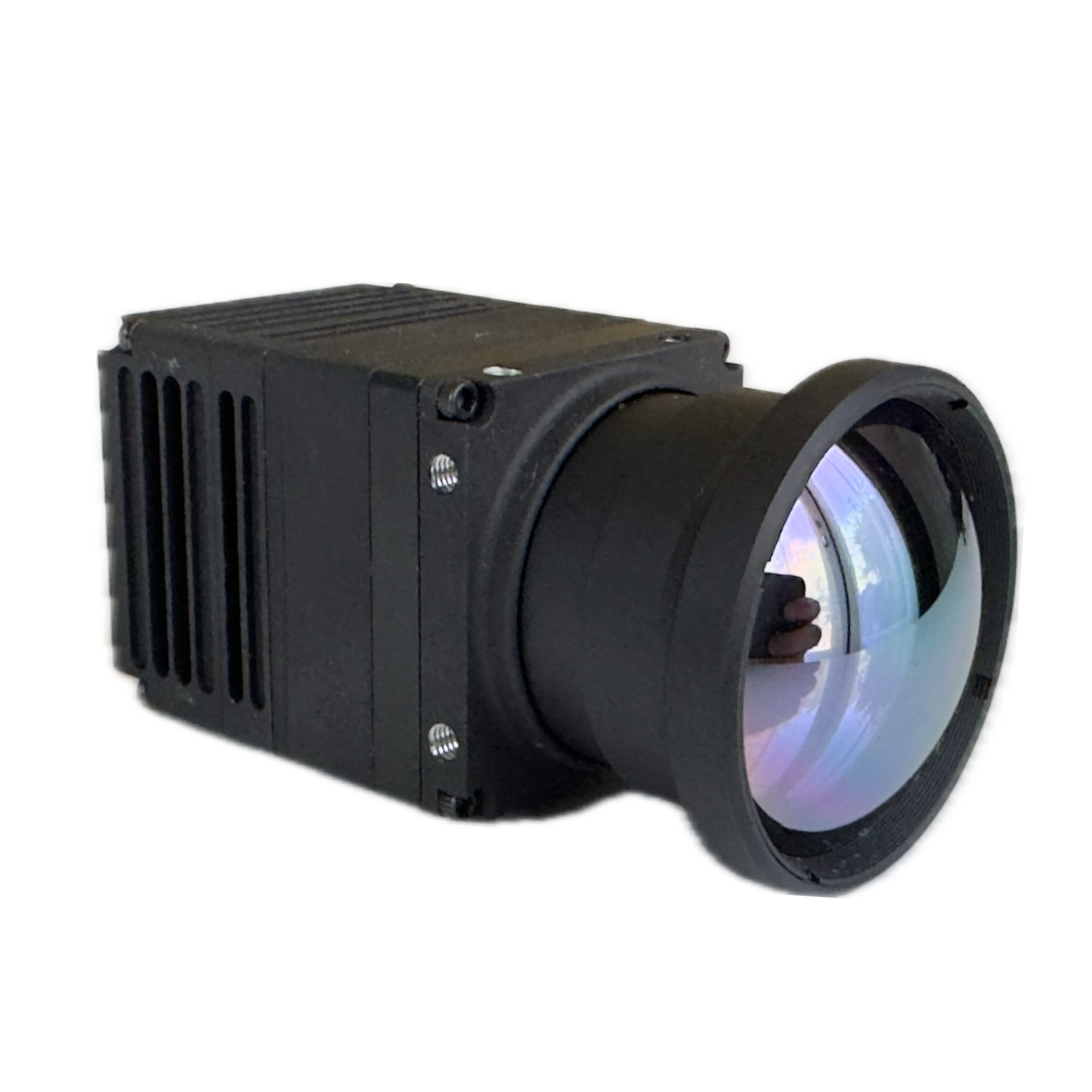
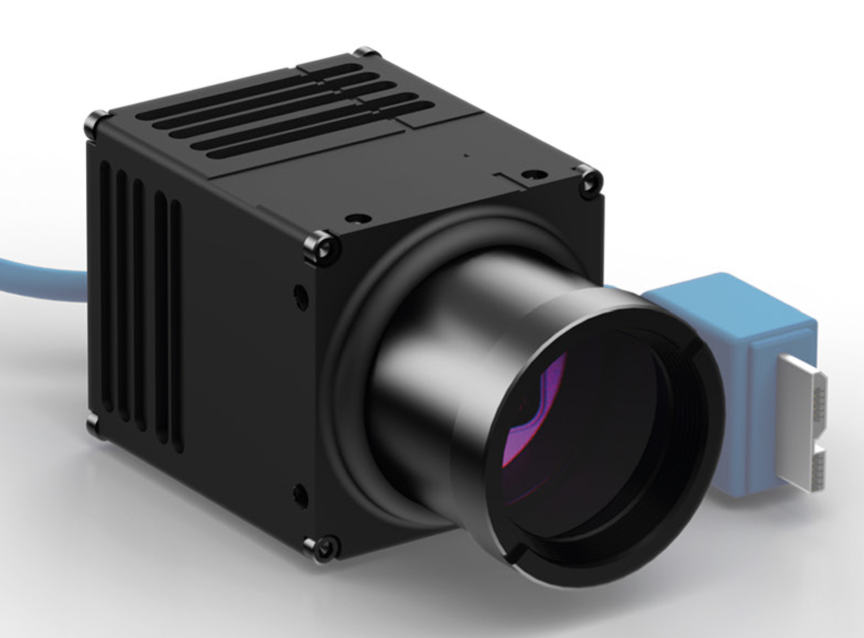
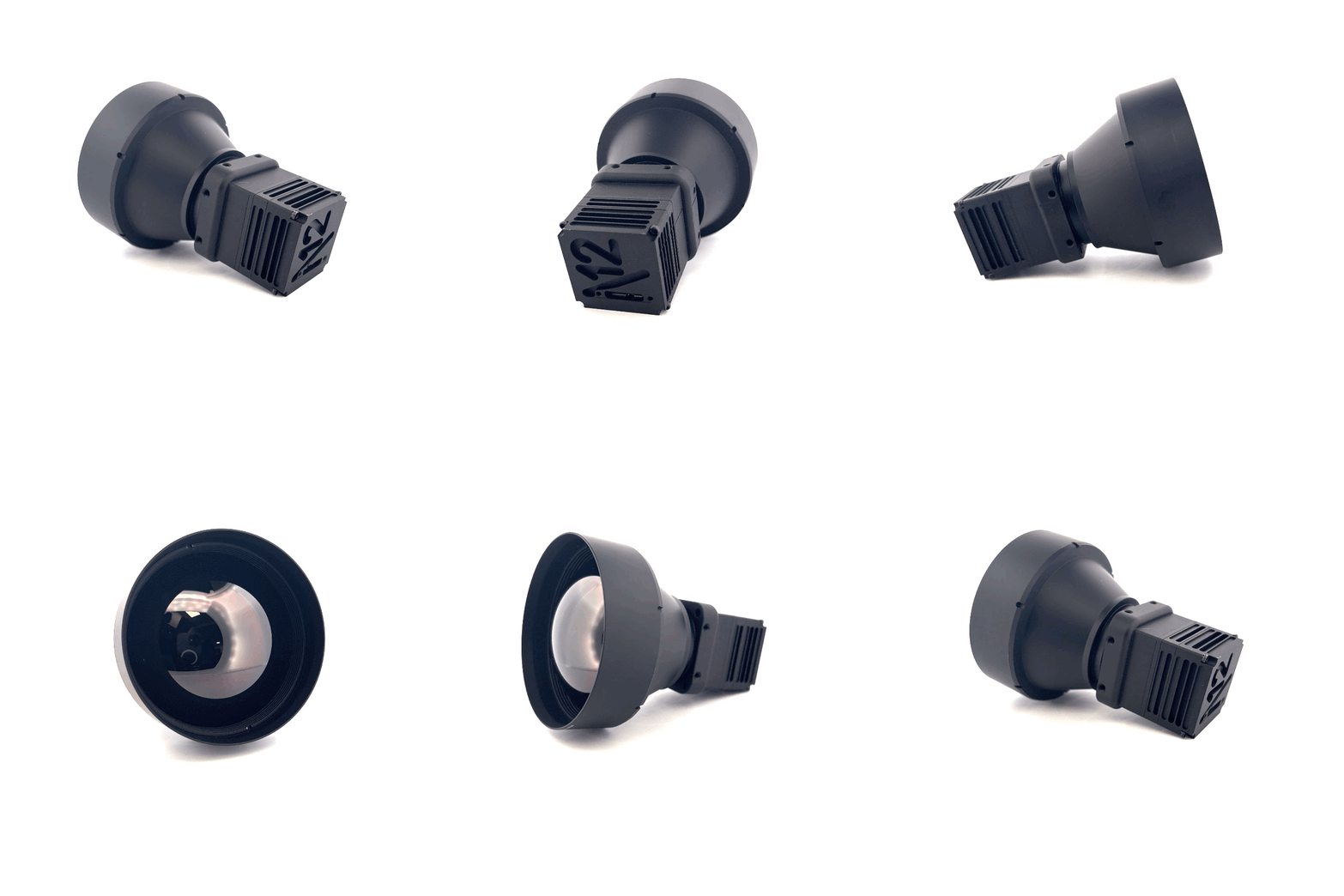

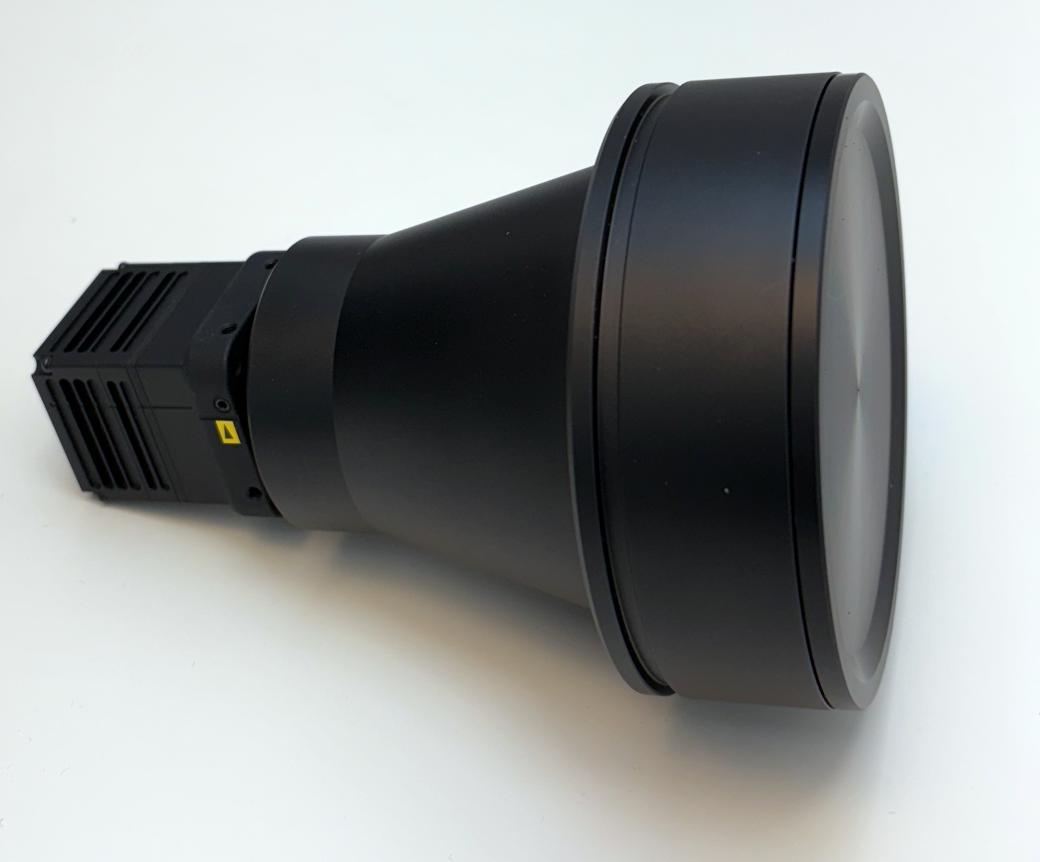
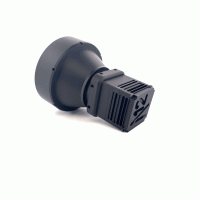
Niels 12 | SXGA 1280×1024 Low SWaP LWIR Thermal Camera
Spectral range
8 - 14 µm
Resolution - Pixel Pitch - Frame Rate
1280x1024 px - 12 µm - 60 Hz or 30 Hz (full frame)
NEdT
35mk (typ.)
Interface
UVC (USB Video Class)
NDAA Compliance
✅
SOM/OS compatibility
Windows 10/11, Linux x64 and ARM, NVIDIA Jetson, Raspberry Pi
HFOVs
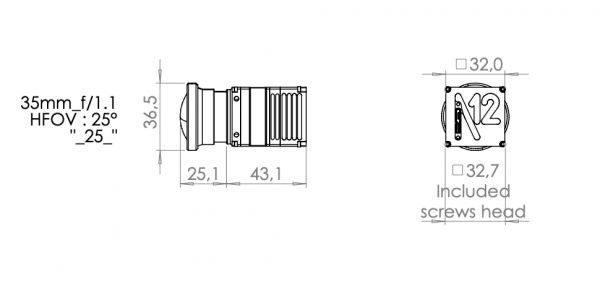
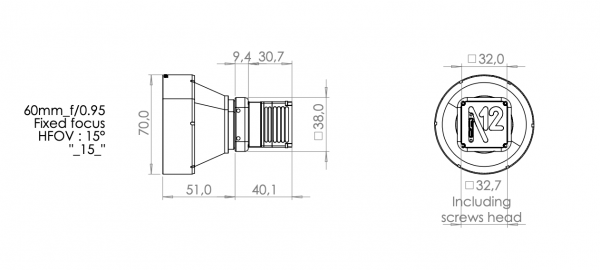
8.5º,15º, 25º, 39º, 50º, 90º
Available (w/o license) in:
🇺🇸 (ships from 🇺🇸); 🇪🇺,🇨🇦, 🇦🇺, 🇳🇿, 🇮🇸, 🇯🇵, 🇨🇭, 🇬🇧, 🇳🇴 (ships from 🇫🇷)
 Description
 Specifications
 Pictures
 Videos
 Downloads
 Publications
 Software
 Lenses
Meet the Niels 12 SXGA LWIR thermal camera core
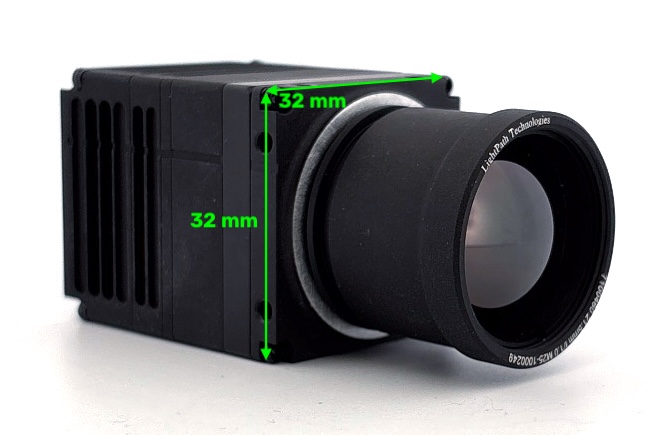
The Niels 12 is the high-resolution member of the SeeCube family of uncooled thermal camera cores from Senssight. It pairs a 1280 × 1024 microbolometer at 12 µm pitch with a 35 mK NETD in a 32 × 32 mm core that weighs about 60 g without a lens and draws less than 1.7 W over USB. It streams as a standard UVC device, is NDAA compliant, and can be ordered in shuttered, shutterless, or fully radiometric configurations.
That combination of SXGA resolution and low size, weight, and power makes the Niels 12 a strong fit for UAV payloads and aerial mapping, security and perimeter surveillance, drone detection, industrial inspection, and research or OEM systems where a compact thermal camera has to integrate quickly.
Niels 12 at a glance
- Sensor: ATTO1280 uncooled microbolometer, 8 to 14 µm
- Resolution: 1280 × 1024 (SXGA, 1.3 MP) at 12 µm pitch
- Frame rate: 60 Hz full frame (30 Hz version available)
- Sensitivity: 35 mK NETD, without denoising or filtering
- Size and weight: 32 × 32 × 27.7 mm, about 60 g without lens
- Power: less than 1.7 W, 5 V USB powered
- Interface: USB 3.1 SuperSpeed, UVC video with USB CDC control, micro-B connector
- Time to image: less than 4 s
Three modes of operation
The operating mode is specified at order and identified by the part number suffix. All three modes include the built-in mechanical shutter.
| Mode | Part number | How non-uniformity is corrected | Best for |
|---|---|---|---|
| Shuttered | N12_xx_xx_xx_N | Factory bad pixel correction plus 1-point NUC by shutter activation | Cost-sensitive imaging where brief shutter pauses are acceptable |
| Shutterless | N12_xx_xx_xx_SL+ | Per-camera factory shutterless calibration (BPC + NUC), with shutter NUC available if needed | Continuous video, UAV and surveillance feeds |
| Radiometric shutterless | N12_xx_xx_xx_R1 | Shutterless calibration plus pixel-level radiometric calibration, -10 to +120 °C | Temperature measurement and thermography |
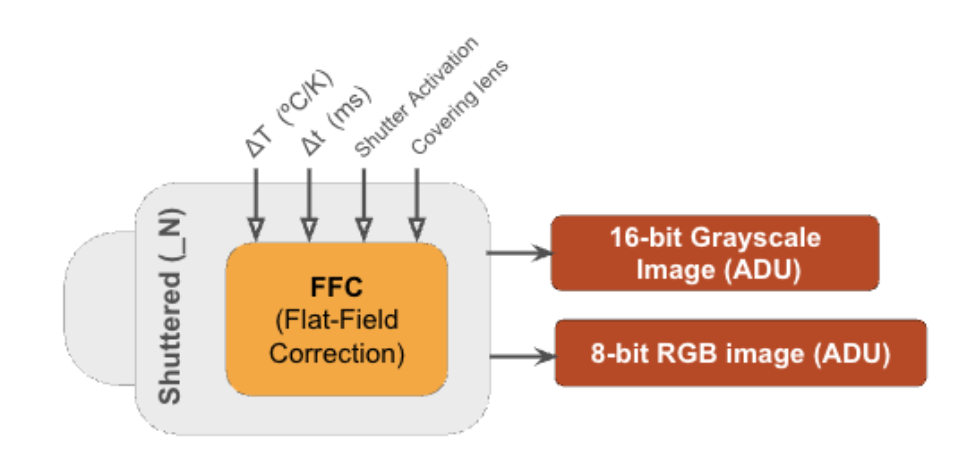
Shuttered operation
- An embedded mechanical shutter between the sensor and the lens closes for on-the-fly flat-field correction (FFC).
- As the sensor temperature changes, whether while reaching thermal equilibrium or as the environment changes, the uniformity of the sensor response drifts and a new FFC is needed.
- The FFC applies an offset and gain correction to each pixel so the image is uniform when viewing a black body, in this case the metal surface of the shutter itself.
- FFC can trigger automatically after a set time delay (ms) or sensor temperature change (°C), or manually through an SDK call.
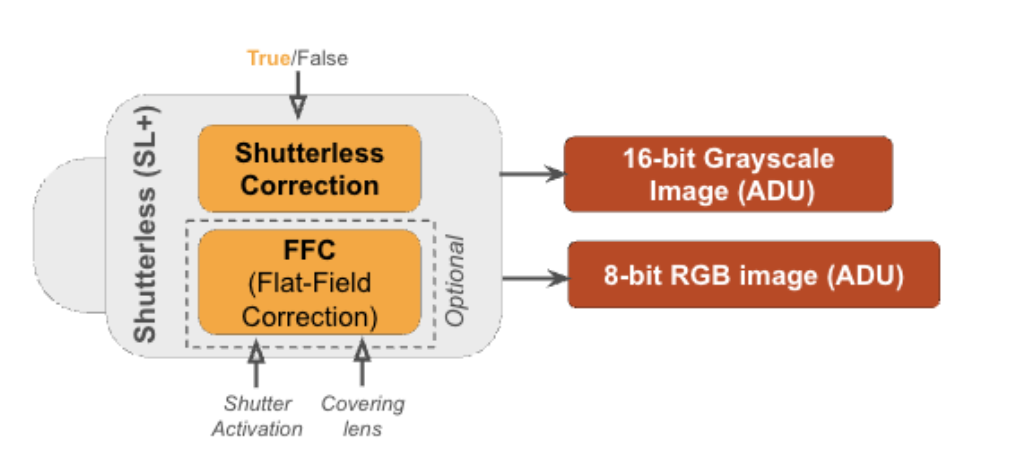
Shutterless operation
- Each camera, with its lens, is calibrated in a thermal chamber that varies the ambient temperature from about +10 to +60 °C in a controlled way.
- During calibration the camera views a black body while the chamber temperature changes.
- The result is a set of correction files unique to that camera, stored in its data folder.
- In shutterless operation, image quality stays consistent as the sensor temperature changes, with no interruption to the video stream.
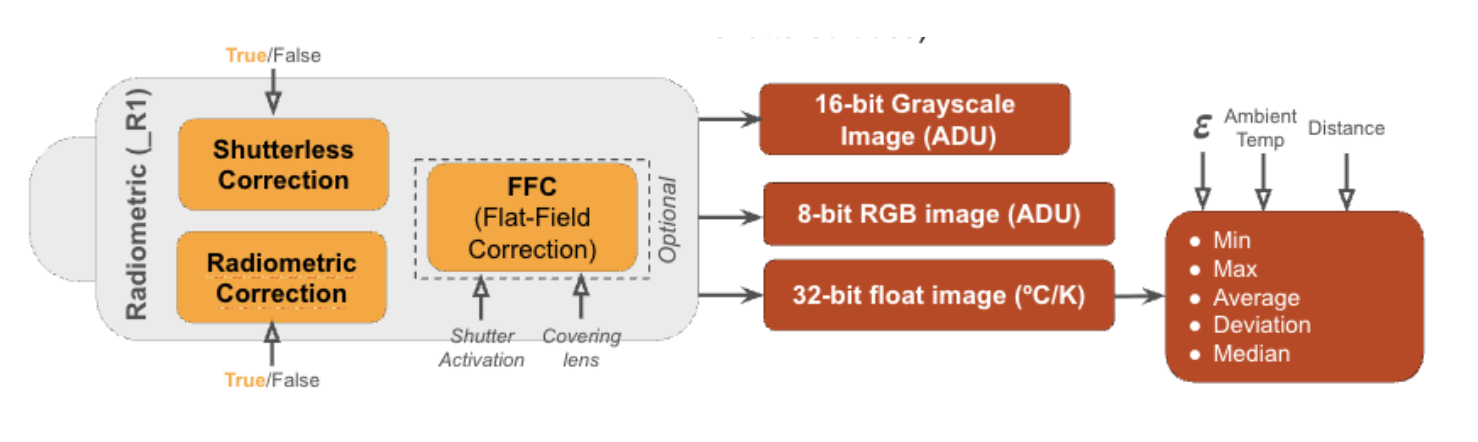
Radiometric shutterless operation
- Adds a radiometric calibration layer on top of the shutterless calibration.
- A black body from about +5 to +120 °C maps pixel intensity to absolute temperature (°C or K).
- Temperature accuracy is ±2 °C or 2% (typical), and the camera returns thermal frames as 32-bit floats.
- Radiometry is optimal at ambient temperatures from 10 to 60 °C.
Built for low SWaP-C integration
The SeeCube family is optimized for size (32 × 32 mm), weight (60 g without lens), power (under 1.7 W), and cost. The Niels 12 operates from -35 to +75 °C, runs from USB power alone, and accepts an optional 3.3 VDC trigger input for start of exposure. Shutter activation draws an additional 1.8 W for 100 ms.
Plug-and-play UVC interface
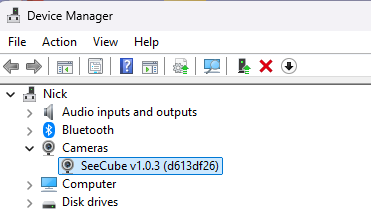
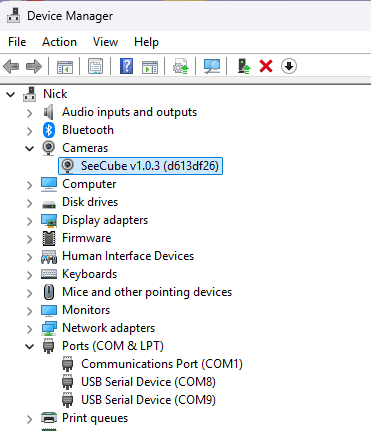
The Niels 12 enumerates as a USB Video Class device, so it streams like a webcam with no custom driver, while 16-bit unprocessed (Y16) data and USB CDC control remain available for full camera control.
Free C++ SDK and OpenCV sample app
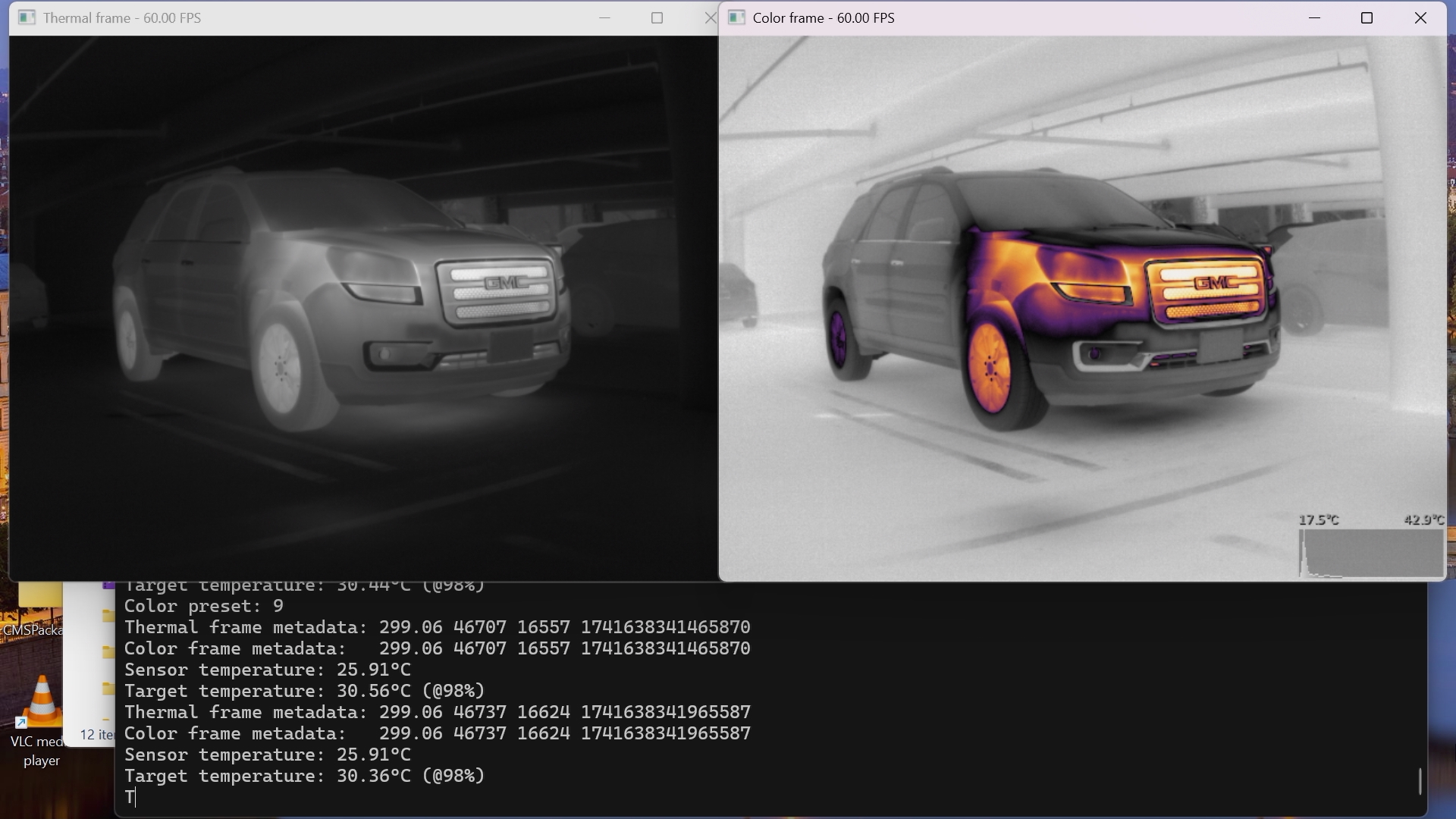
The SeeCube SDK and sample app run on Windows 10/11, Linux x64, and Linux for ARM, including NVIDIA Jetson and Raspberry Pi OS. The app handles shutter and shutterless control, 1-point NUC, mapping modes and color LUTs, temporal filtering, and still and video capture. See the Software tab for the full feature list.
Choosing a lens
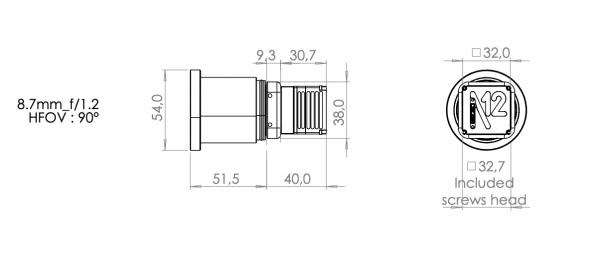
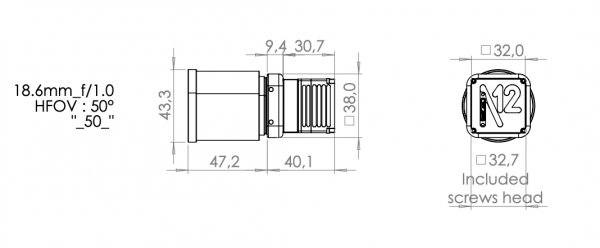
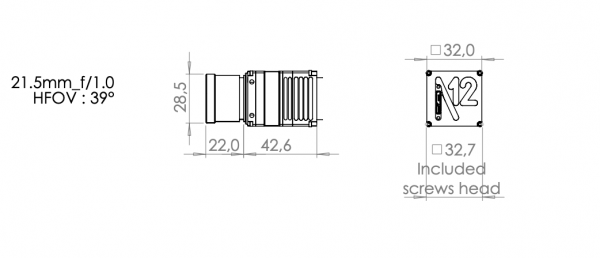
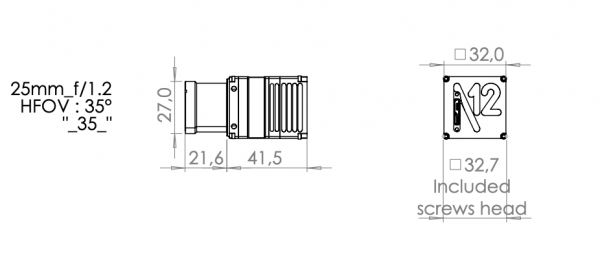
Six standard lenses cover horizontal fields of view from 8.5° (100 mm) for long-range surveillance and drone detection to 90° (8.7 mm) for wide situational awareness, with other lenses on request. A no-lens option is available for shuttered (_N) cameras. Use the lens and range estimator in the Lenses tab to compare scene coverage, pixel footprint, and estimated detection, recognition, and identification ranges for each lens.
Other SeeCube cameras
For programs that need less resolution at lower cost or power, the same platform is available as the Ernest 6 VGA (640 × 480) and Eileen 3 QVGA (320 × 240). Compare them on the SeeCube family page or browse all LWIR thermal cameras and cores. For image processing background, read what AGC means in thermal imaging.
Niels 12 FAQs
What is the difference between shuttered and shutterless operation on the Niels 12?
In shuttered operation, a mechanical shutter between the sensor and the lens closes briefly to perform a flat-field correction (FFC) as the sensor temperature changes. In shutterless operation, a per-camera factory calibration performed in a thermal chamber corrects for sensor temperature changes in software, so the image stays uniform without interrupting the video stream. The shutter remains available for a 1-point NUC if needed.
Is the Niels 12 radiometric?
Yes, when ordered in radiometric shutterless mode (part numbers ending in _R1). Every pixel is factory calibrated to measure absolute temperature from -10 to +120 °C with a typical accuracy of ±2 °C or 2%, and the camera outputs 32-bit float thermal frames. Radiometry is optimal at ambient temperatures from 10 to 60 °C.
What software and operating systems does the Niels 12 support?
The camera enumerates as a standard UVC (USB Video Class) device, so it can stream like a webcam without a custom driver. A free C++ SDK and an OpenCV sample app support Windows 10/11, Linux x64, and Linux for ARM, including NVIDIA Jetson and Raspberry Pi OS.
What lens should I choose for the Niels 12?
Six standard lenses cover horizontal fields of view from 8.5° (100 mm) to 90° (8.7 mm), and other lenses are available on request. Narrow fields of view give the longest detection, recognition, and identification ranges; wide fields of view suit situational awareness and short-range inspection. The lens and range estimator in the Lenses tab shows scene coverage, pixel footprint, and estimated DRI ranges for each option.
Ready to spec a Niels 12? Contact Axiom Optics for a quote or help choosing a lens and operating mode, or download the Niels 12 datasheet. Manufacturer details are on the Senssight website.
Webcam-like device – UVC (USB Video Class device)
SeeCube OpenCV app (for Windows 10/11, Linux, Linux for ARM)
Easy-to-use app allowing the user to:
- open/close shutter
- enable/disable shutterless correction
- change mapping mode (full scale, automatic min/max, manual, histogram equalization, adaptive mapping)
- change color mapping / LUT
- acquire 1-point NUC by covering the lens
- acquire 1-point NUC by shutter activation
- enable/disable temporal filtering
- save still images (uncompressed + color)
- save videos (uncompressed + color)
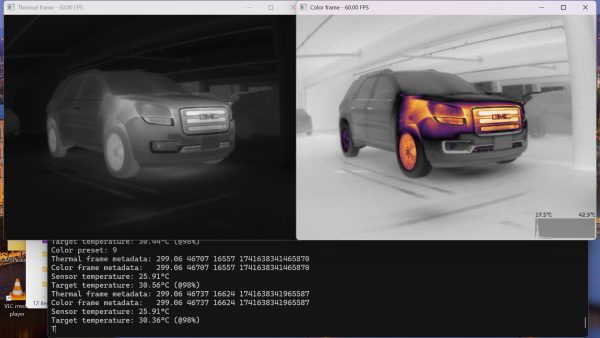
- SeeCube C++ API (for Windows 10/11, Linux, Linux for ARM)